Setting up AmneziaWG on an OpenWRT router
Make sure your router has OpenWRT version 23.05.0 or higher.
The Kill Switch feature helps block connections that bypass the VPN tunnel. Set up your router according to these instructions and the Kill Switch function will be activated.
Open a command line (on Windows) or Terminal (on macOS, Linux) and connect to the router via SSH and enter the password for the admin panel.
ssh root@192.168.1.1
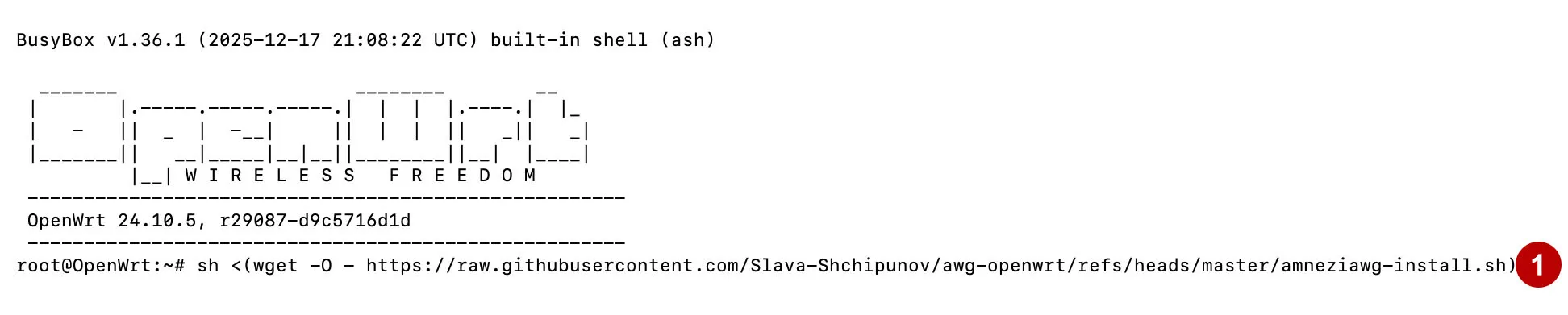
Enter the following command to install the AmneziaWG:
sh <(wget -O - https://raw.githubusercontent.com/Slava-Shchipunov/awg-openwrt/refs/heads/master/amneziawg-install.sh)
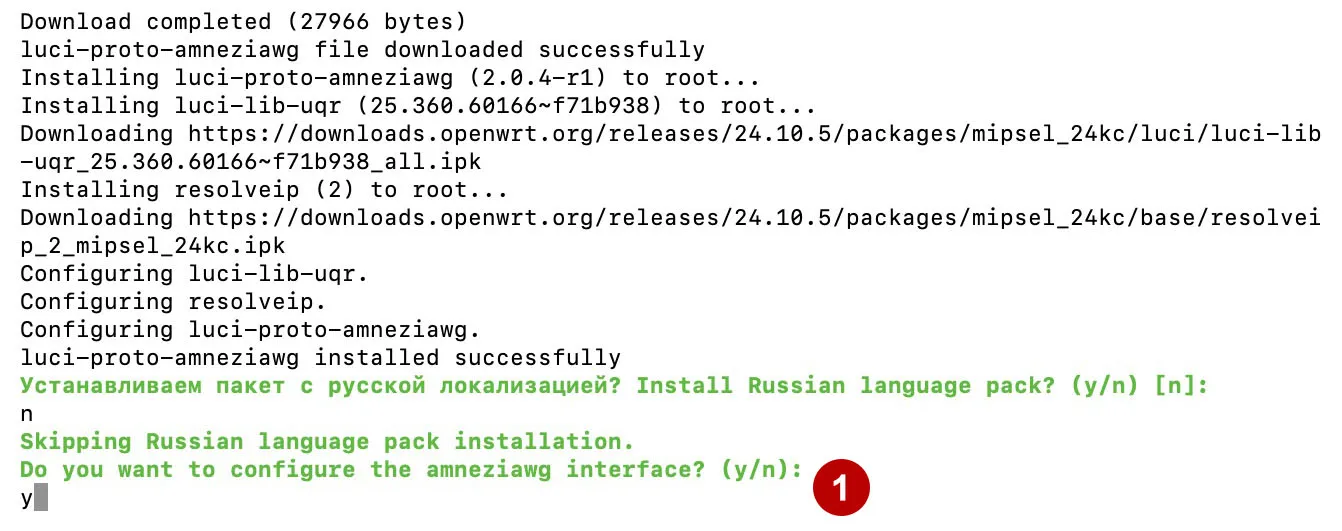
Agree to configure amneziawg interface.
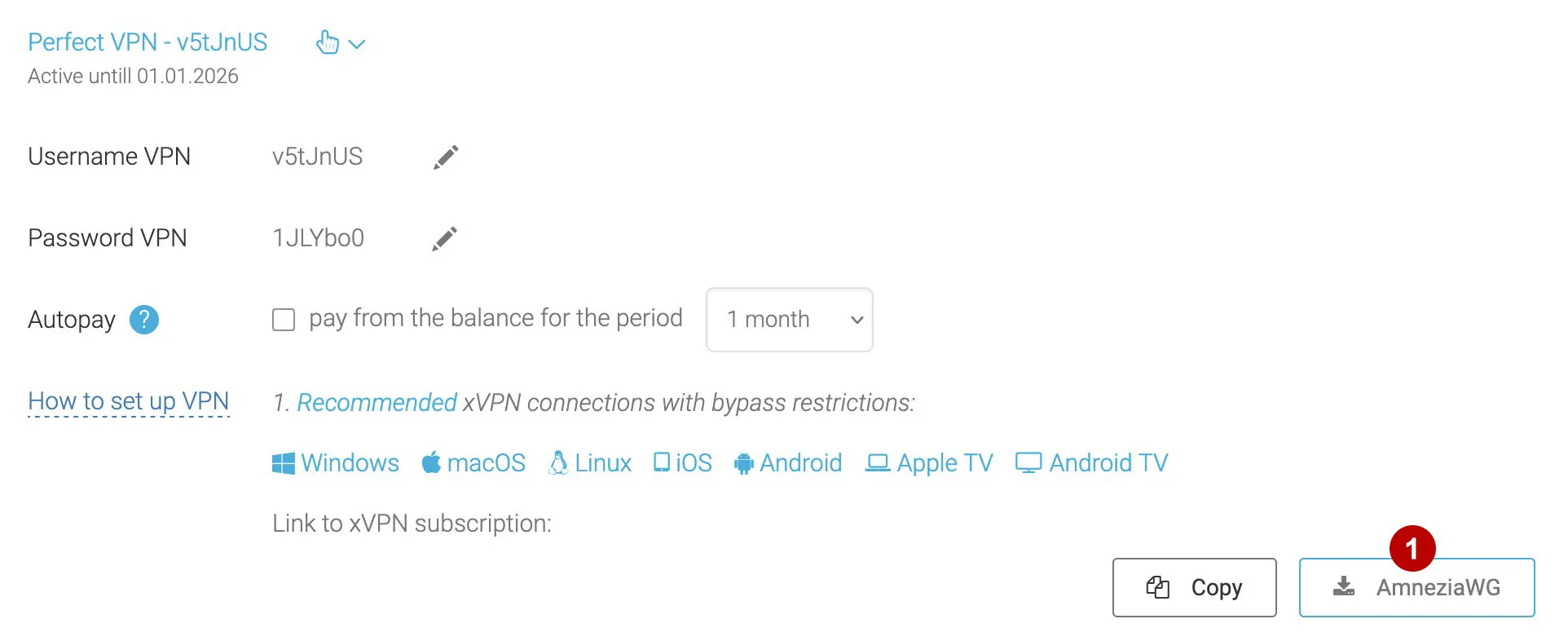
In the section Subscriptions download configs for AmnesiaWG.
Select the config you want to connect to and enter the data from this config (PrivateKey, Address, Endpoint, Port and connection parameters J, S, H).
Wait for AmnesiaWG installation to finish.
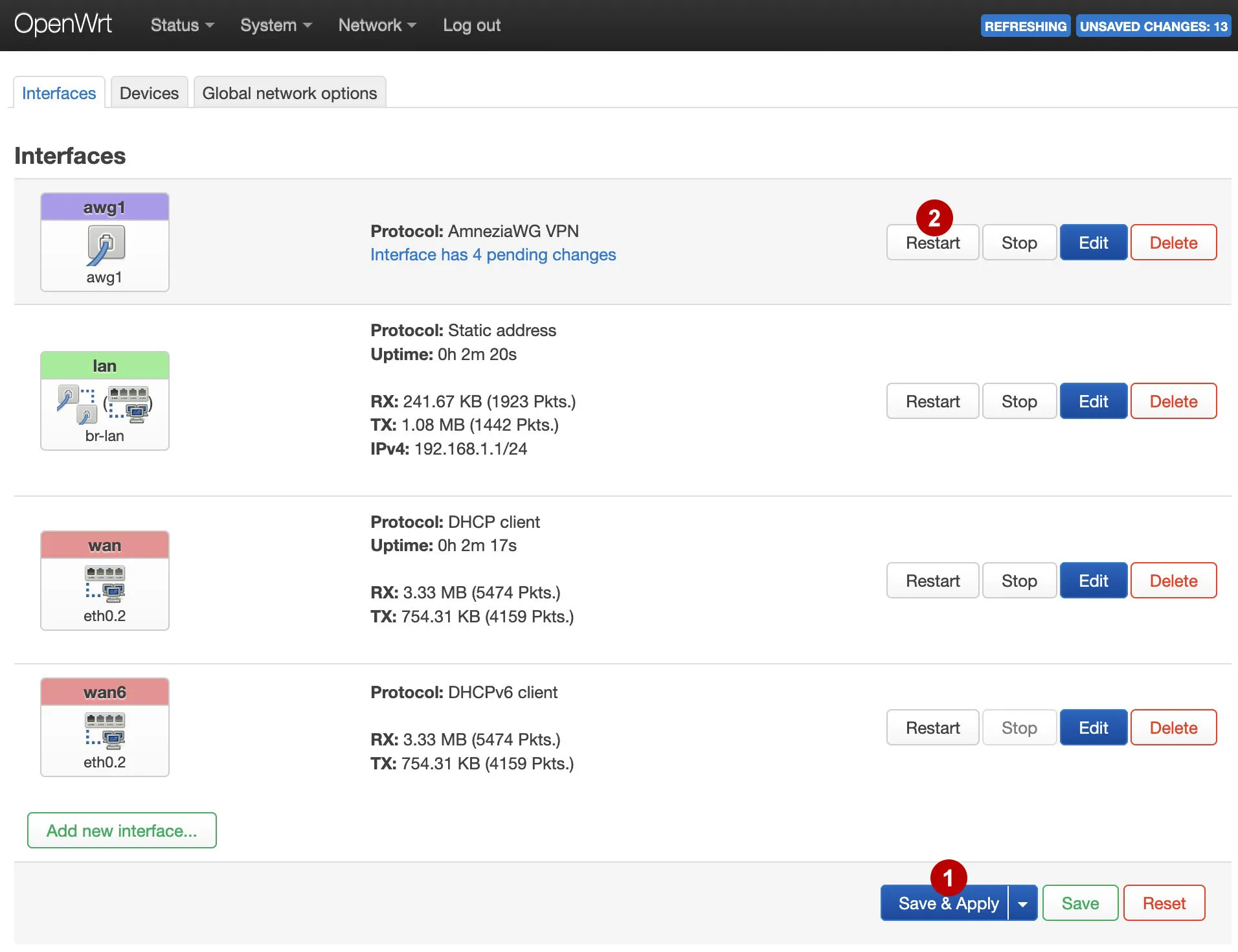
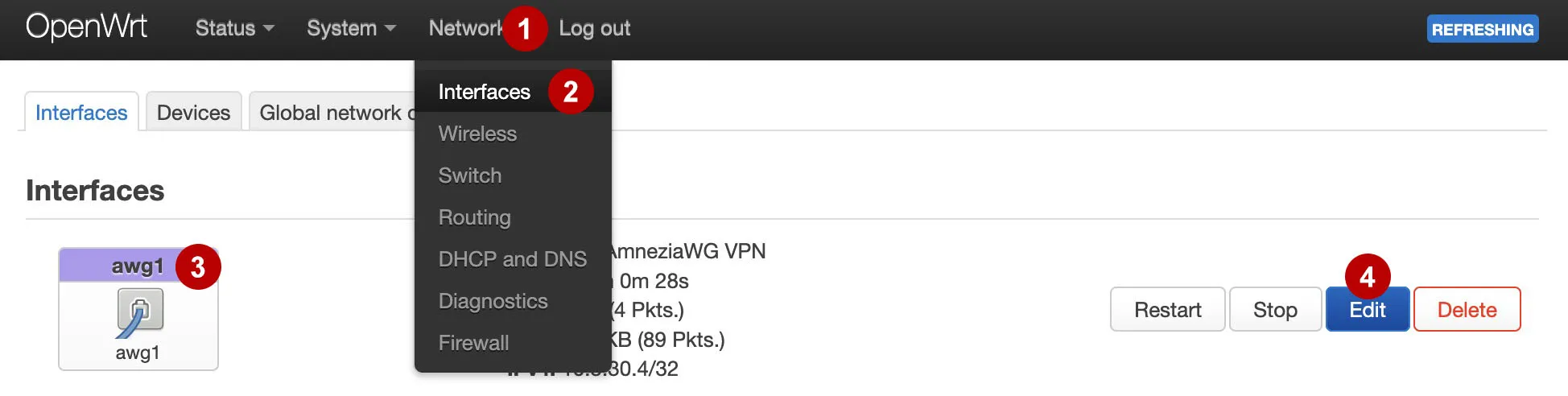
Go to the admin panel of the OpenWRT router at 192.168.1.1 and edit the connection awg1.
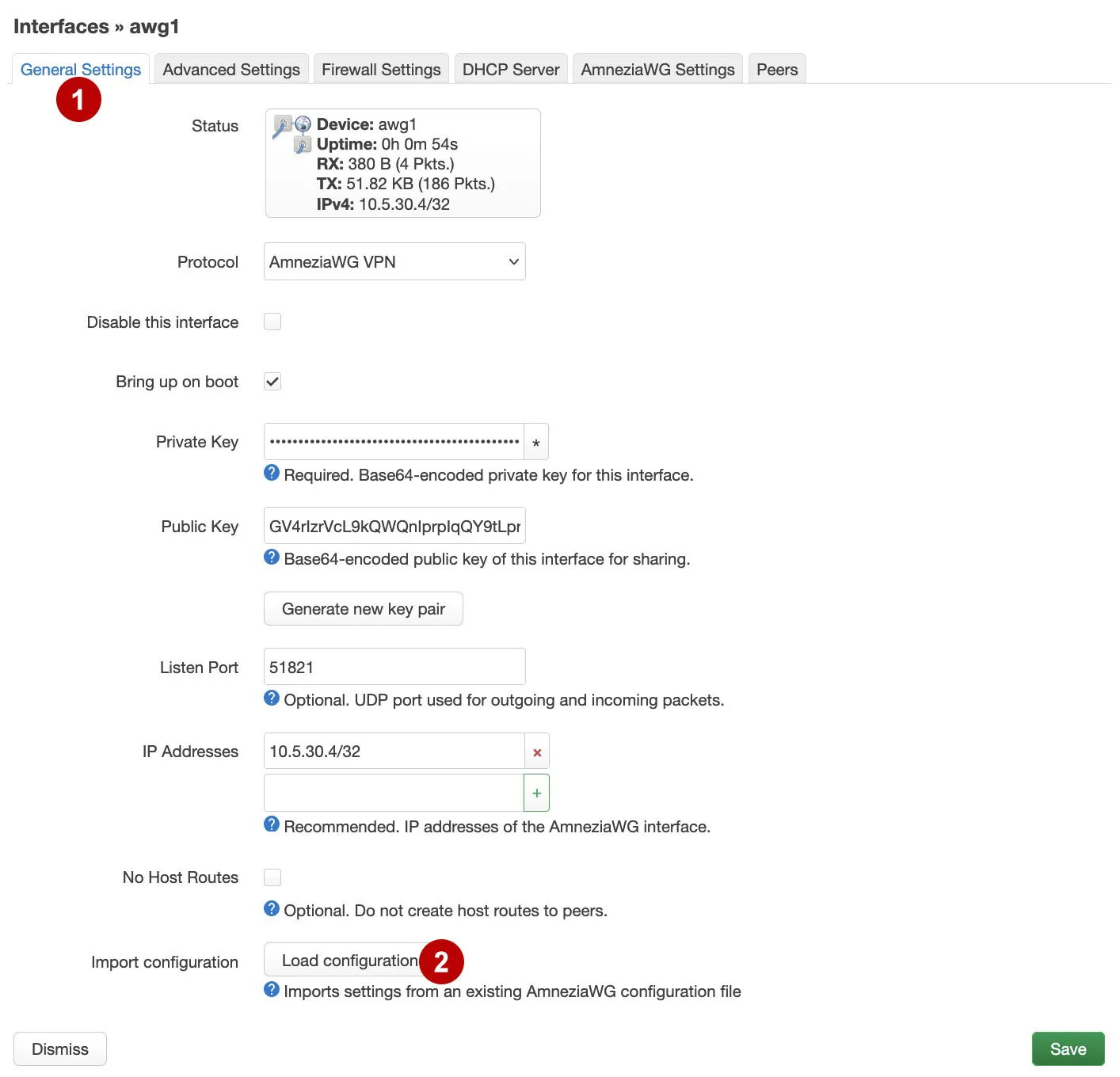
Click to button Load configuration.
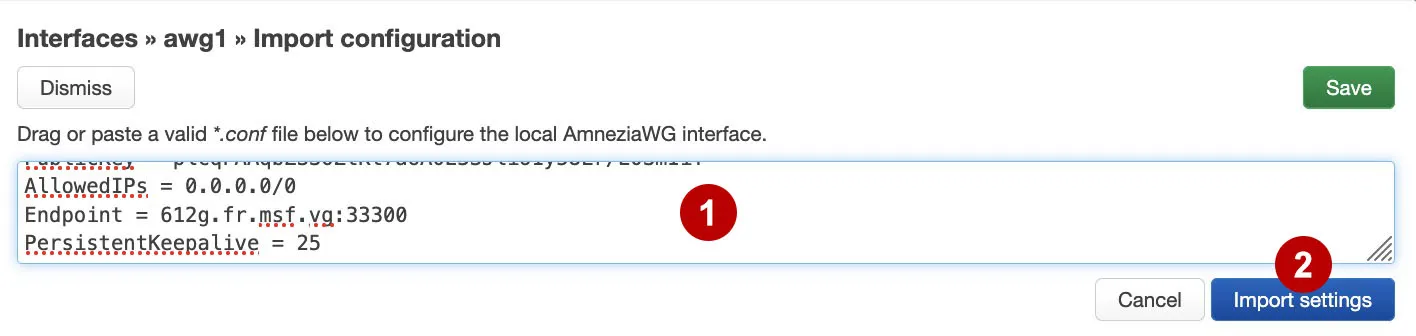
Paste all the code from the selected config.
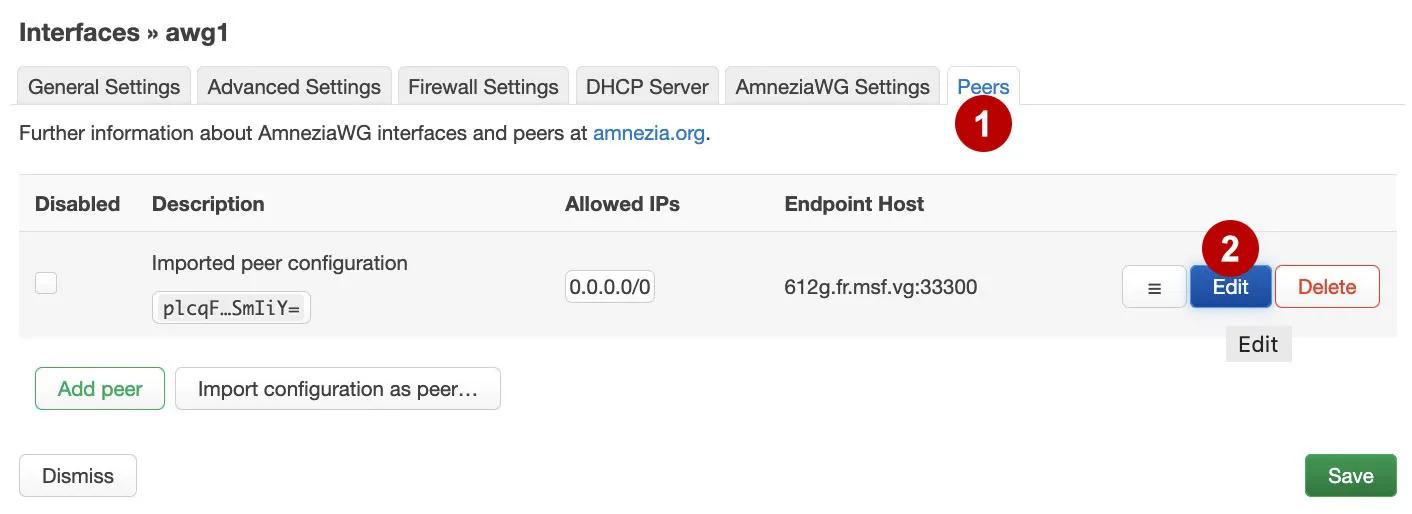
Edit Peers.
Check the box.
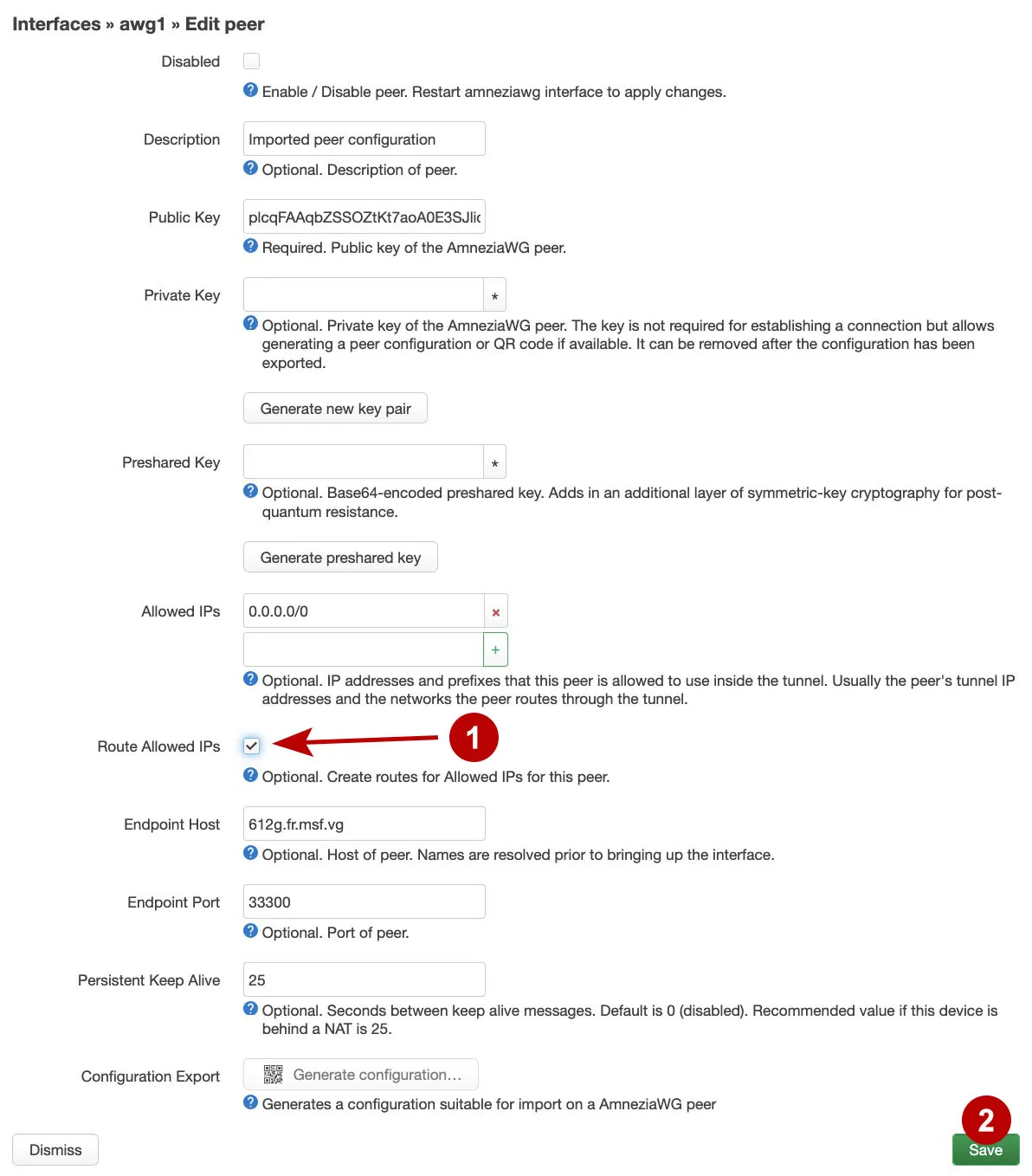
Save settings.
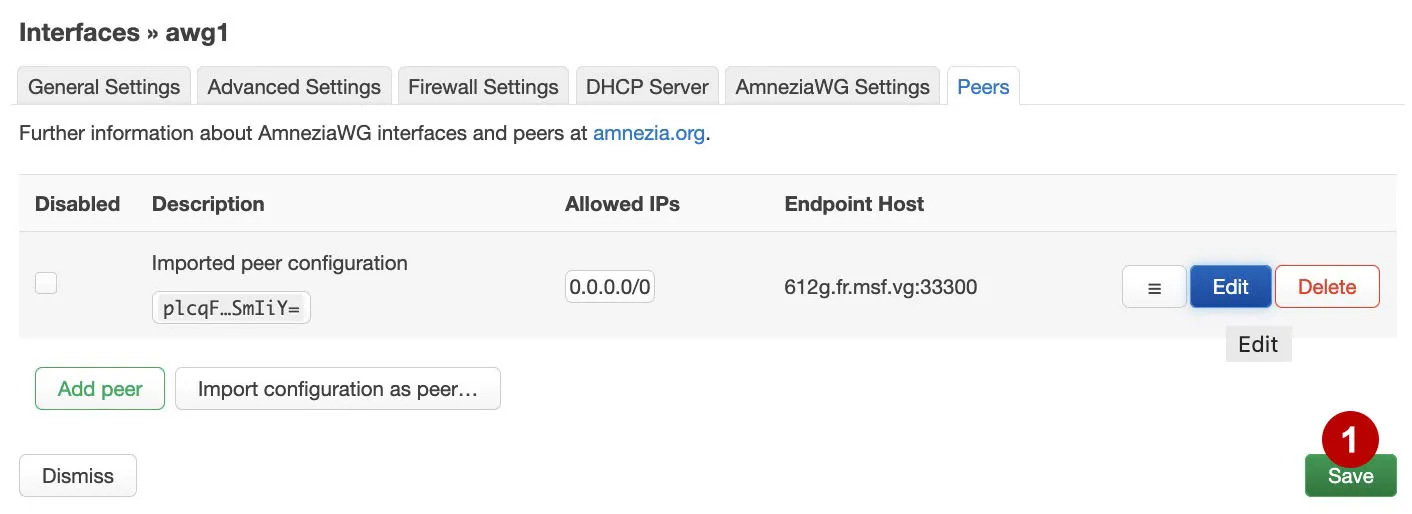
Save all changes and restart the awg1 interface.